Melange v0.9.6

Melange v0.9.6 adds melange studio, a local web console for inspecting a melange database. It shows the deployed model, explains and expands checks, tests a grant before you write it, browses the entities behind your tuples, and shows the SQL generated for every relation. It reads everything from the database, so it needs only a connection.
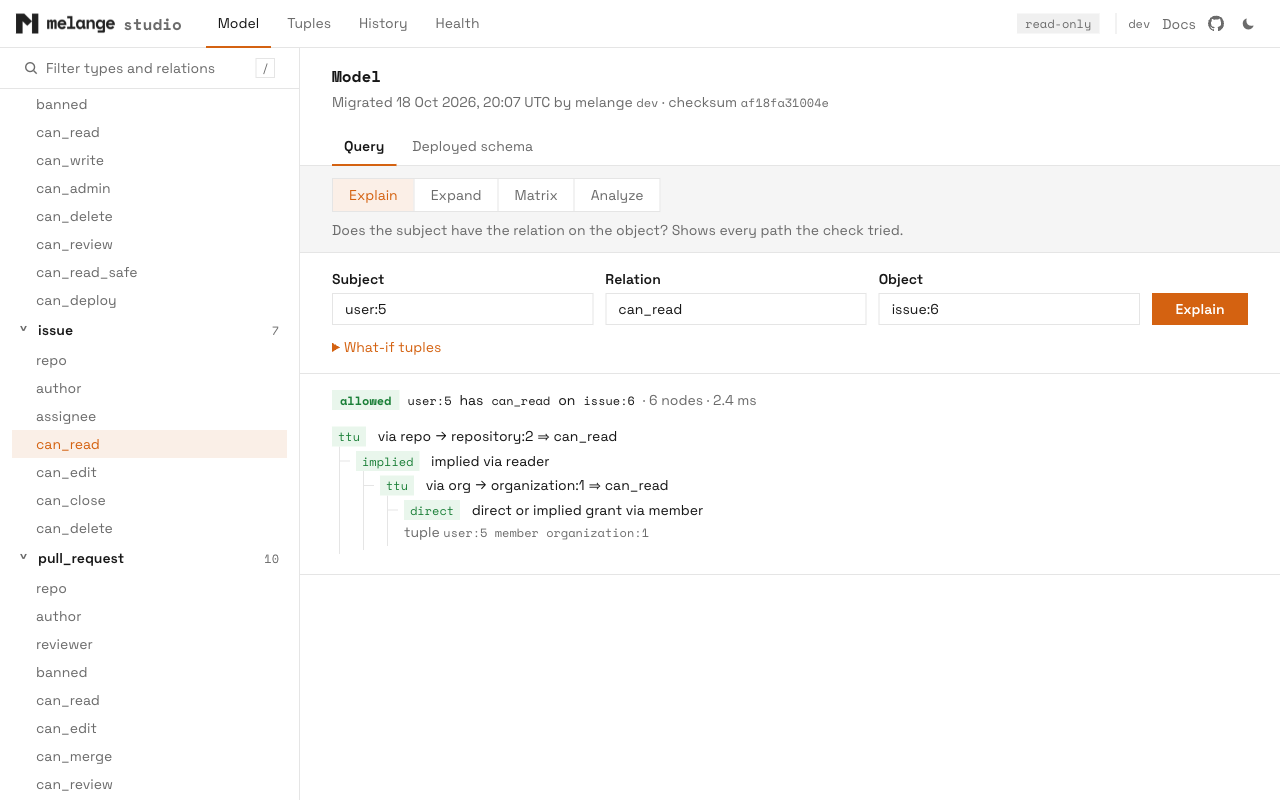
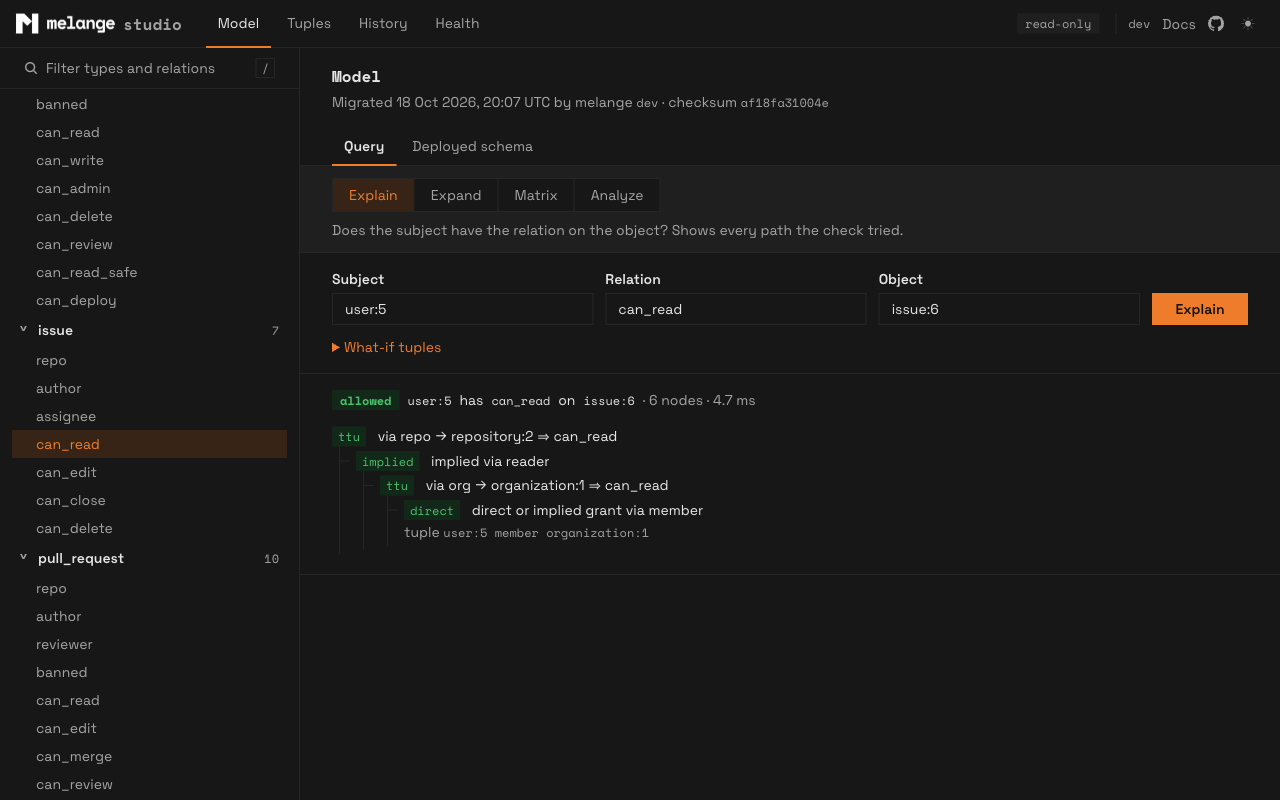
melange studio --env stagingmelange studio: http://127.0.0.1:53817 (ctrl-c to stop)Studio is served by the melange binary. There is nothing extra to install, and pages load nothing from other hosts. It is experimental: the pages and their URLs may change in later releases. The Studio guide covers every page in detail.
Why
melange explain and melange expand answer one question at a time from the terminal. Debugging a permission usually takes several: does the check pass, by which path, what else does this user have, who else has this object, and what did melange generate for the relation in between. Studio puts those answers a click apart, against a staging or production database.
Queries
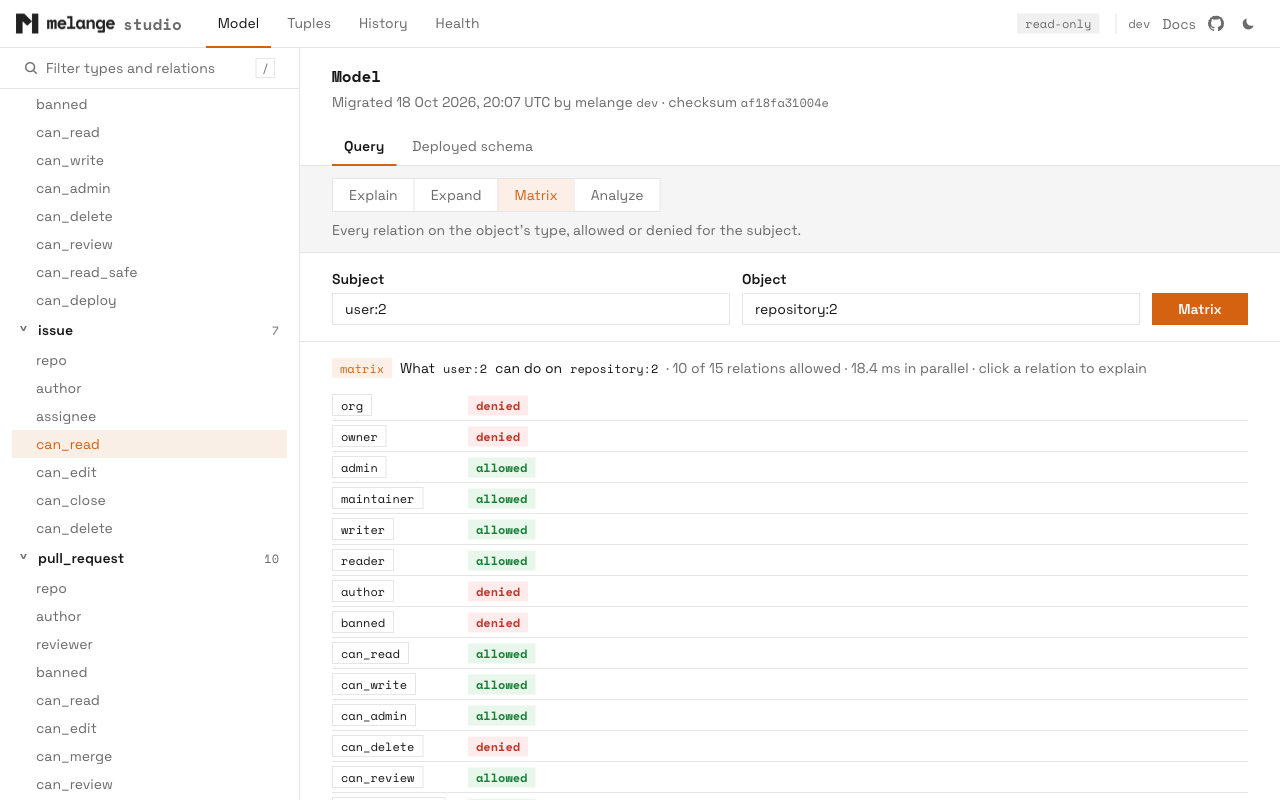
The Model page has one query form with four modes:
| Mode | Answers |
|---|---|
| Explain | Does the subject have the relation on the object, and through which path? |
| Expand | Who has the relation on the object, as a tree you can drill into |
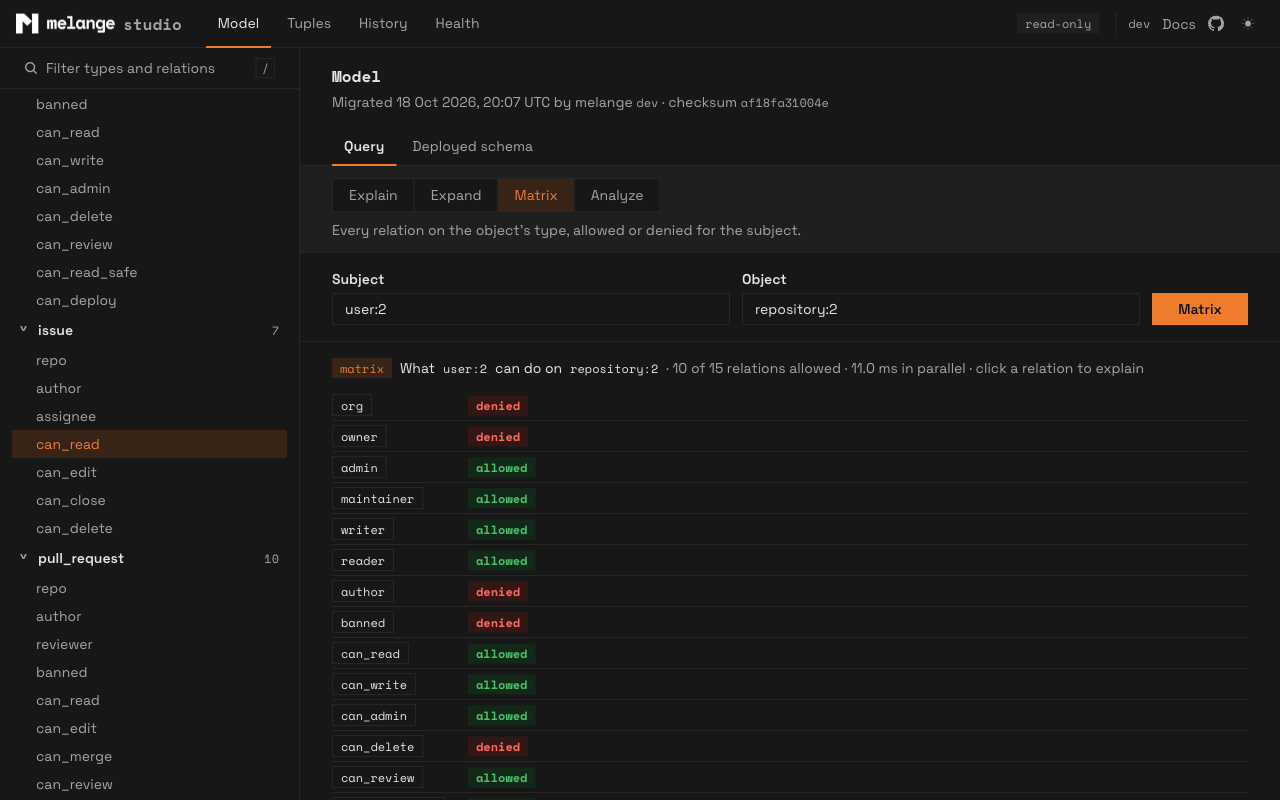
| Matrix | Every relation on the object’s type, allowed or denied for the subject |
| Analyze | Where the time goes: check_permission under EXPLAIN (ANALYZE, BUFFERS), with the slowest generated functions |
Every result shows how long it took.
What-if tuples
Explain takes optional what-if tuples, one subject relation object per line. Studio answers twice, without and with them, so you can see whether a grant would fix a denied check, or a ban would revoke access, before you write either. The tuples are checked against the deployed model first, and tuples in the answer that came from the what-if list are marked.
What-if is the one place studio leaves read-only mode. It needs a temporary view, as contextual tuples do, so it opens a read-write transaction, creates the view, switches the transaction to read-only, runs Explain, and always rolls back. It needs a writable primary and the TEMP privilege. On a replica the rest of studio still works.
Relation pages
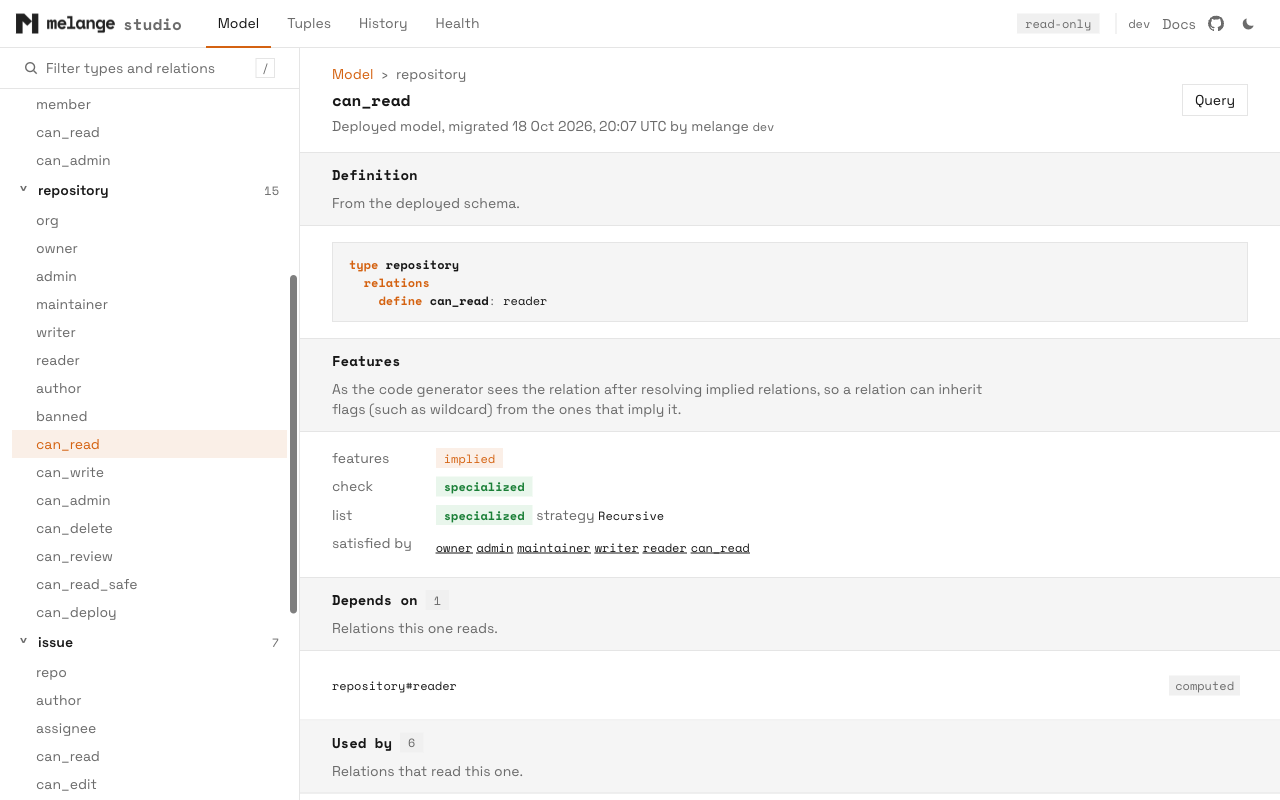
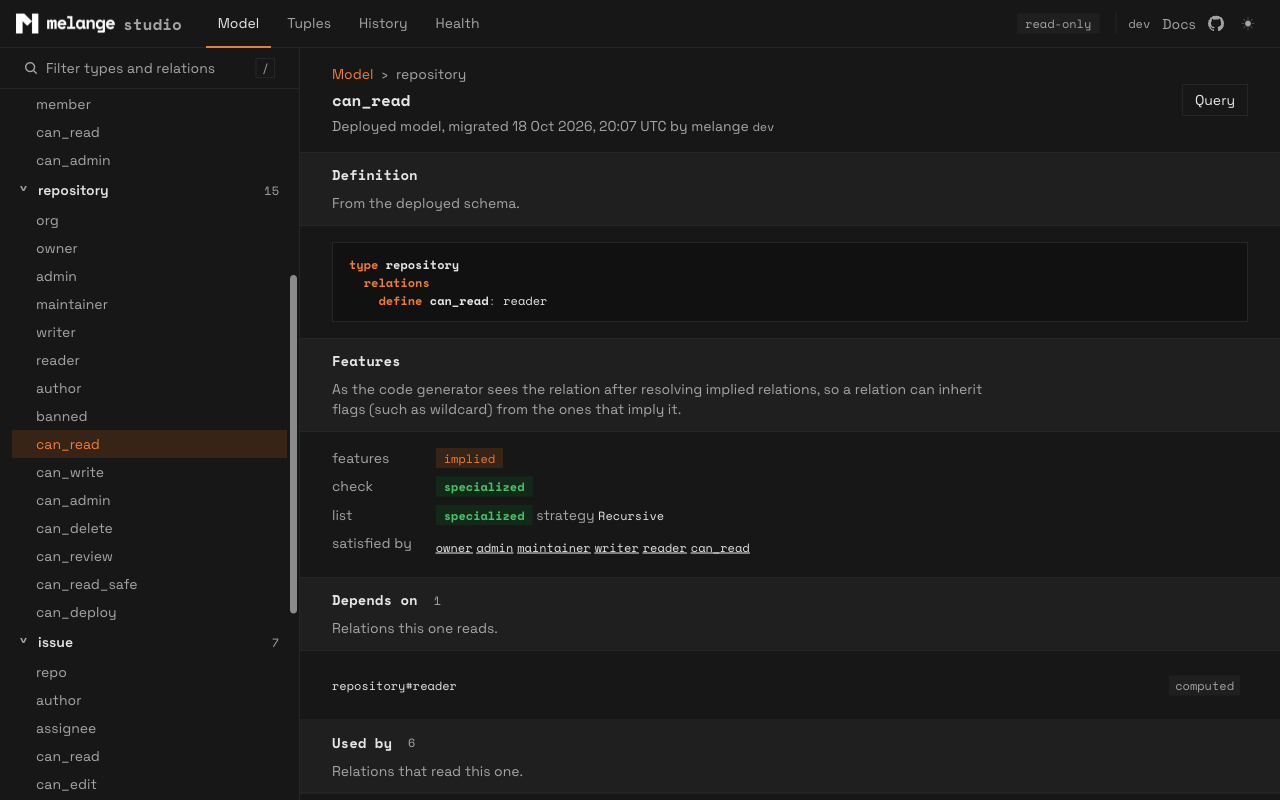
Each relation has a page with its define line, the relations it depends on and those that depend on it, the code generator’s analysis (features such as implied, userset or exclusion, and whether check and list use specialized or generic SQL), and the deployed SQL of its check, list, explain and expand functions, read back from pg_proc. This is the browser version of dump-sql, showing what actually runs rather than a regeneration.
Tuples browser
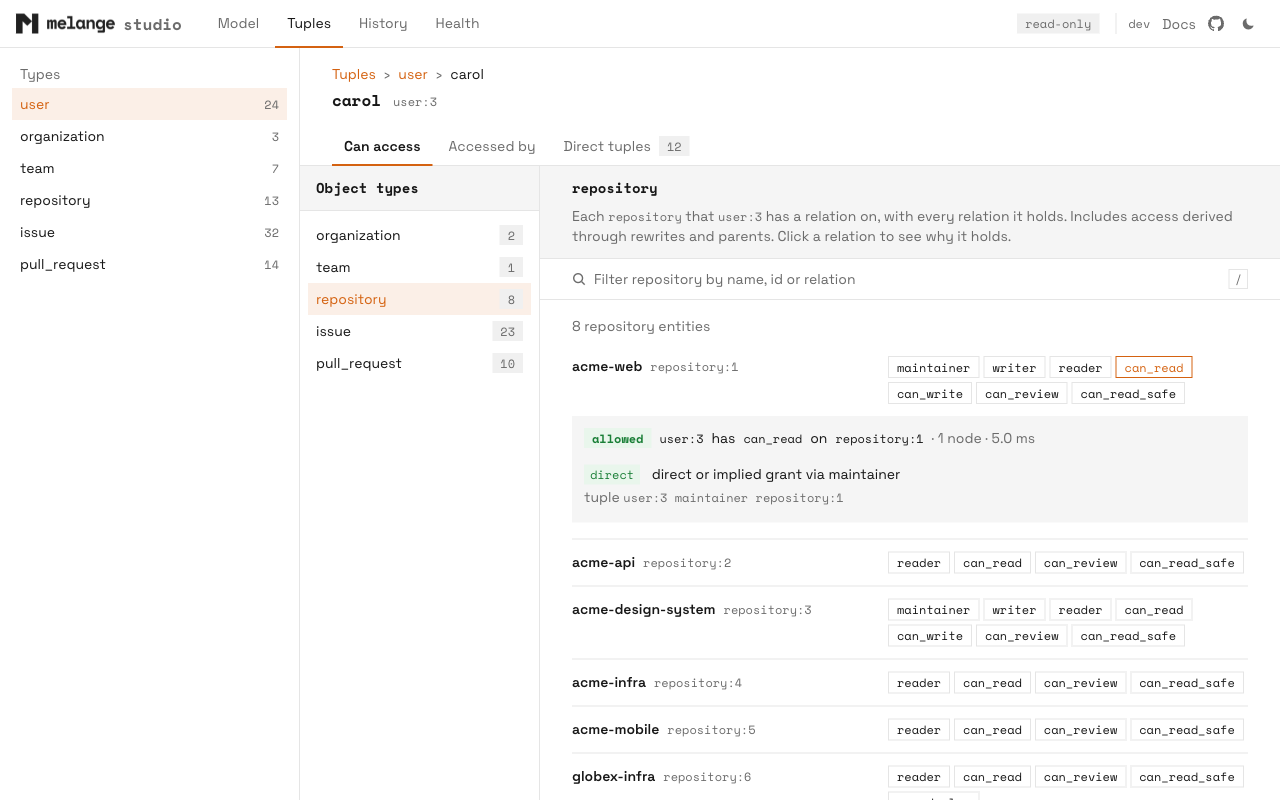
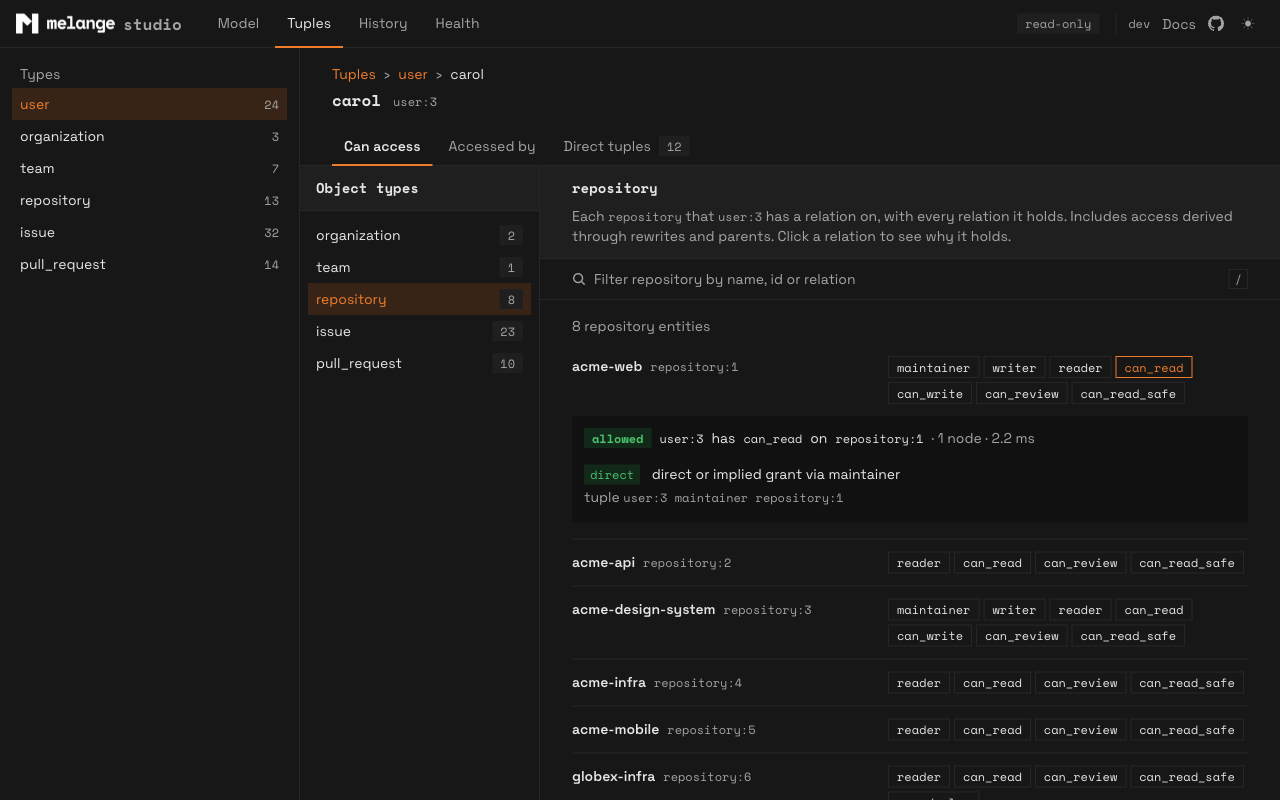
The Tuples page lists every type in melange_tuples and its entities. Each entity has three tabs: what it can access, who can access it, and its direct tuples. Each relation chip explains itself inline.
Studio shows readable names next to ids where it can. It finds them by planning melange_tuples with EXPLAIN VERBOSE, following each branch’s id column to its domain table, and using a name, title, username or similar column. No configuration is needed.
Long lists load 100 rows at a time as you scroll. Access lists run one list query per relation, capped at 5,000 ids each and cached for a minute, with at most four queries running at once across the server, so large models and datasets stay responsive.
History and Health
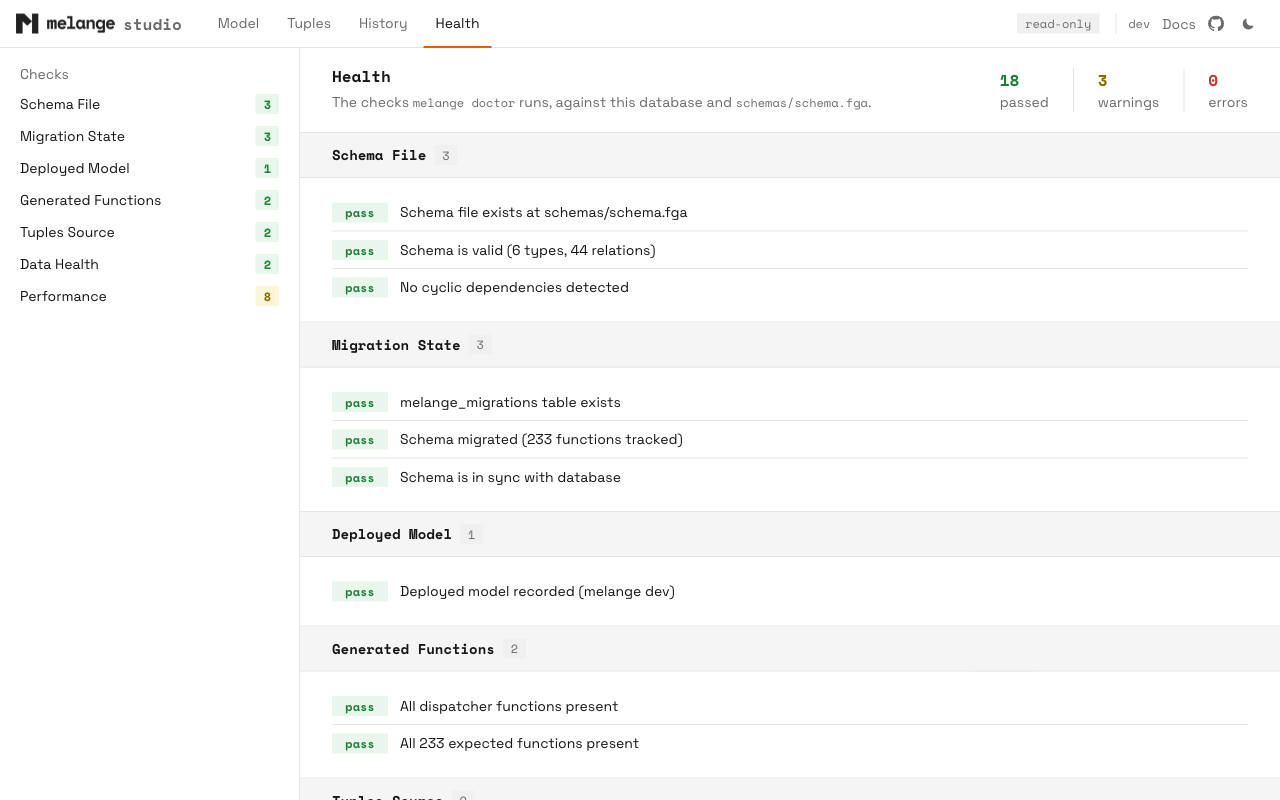
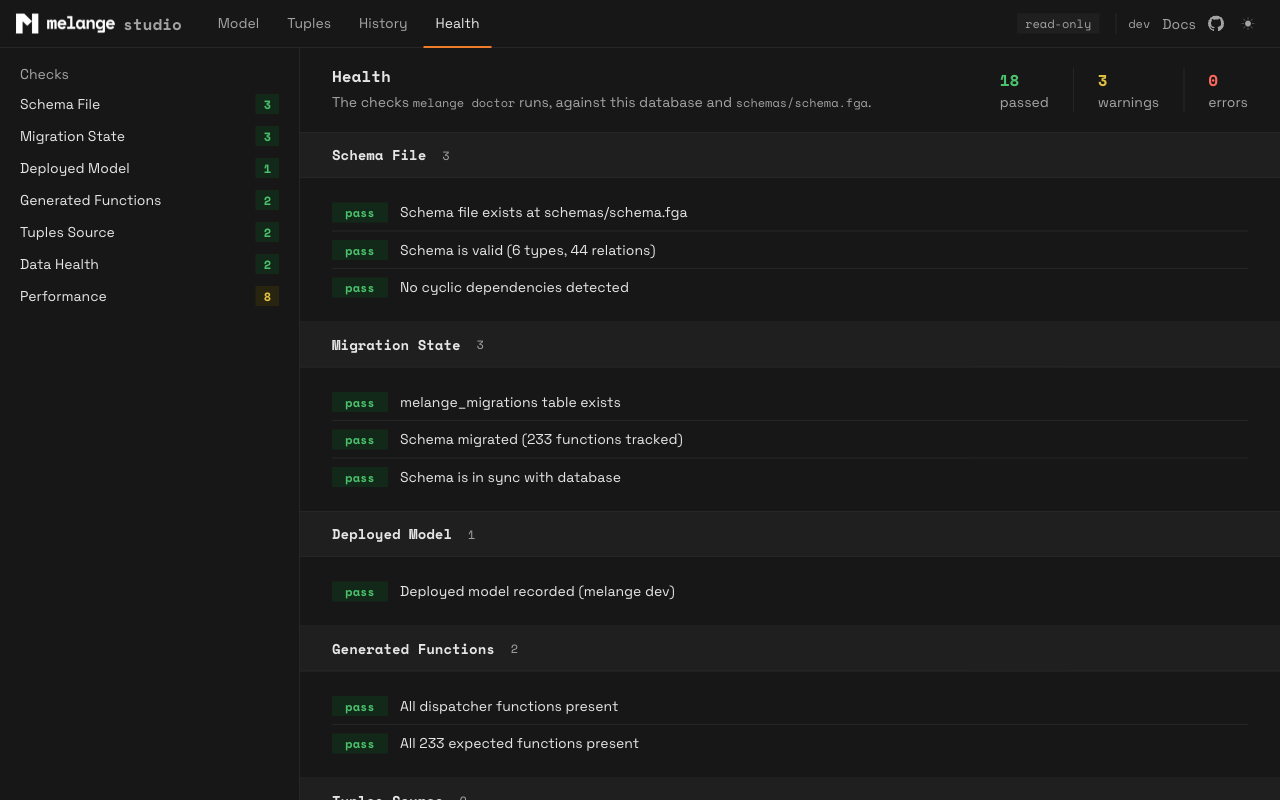
History lists the rows of melange_migrations, with the schema each migration recorded. Health runs the melange doctor checks against the database and, if present, your local schema file.
Safety
- Read-only. Every connection sets
default_transaction_read_only=on, and studio exits at startup if the setting did not take effect. What-if, described above, is the only exception. - Local only. Studio binds a loopback address and rejects requests whose
Hostheader is not local, which blocks DNS rebinding. There is no authentication, so anyone with access to the port on your machine can use it. - Locked-down pages. A strict Content Security Policy (no inline scripts, no
eval),no-storecaching, and scripts, styles and fonts embedded in the binary. - Least privilege. Studio runs as a role with
USAGEon the schema andSELECTonmelange_tuplesandmelange_migrations. Labels, what-if and Analyze’s per-function timings each need one optional grant; the guide lists them.
The only network request outside your database is the CLI’s existing update check, made by the CLI process. When a newer release exists, the top bar shows a badge. --no-update-check turns it off.
Upgrading
v0.9.6 adds a command and changes no generated SQL, runtime APIs or migrations. You do not need to run melange migrate or upgrade the Go or TypeScript runtimes.
Try it out
# Install / upgrade CLI
brew install pthm/tap/melange

# Or pull the container image
docker pull ghcr.io/pthm/melange:v0.9.6

# Open studio against your configured database
melange studio
See the Studio guide for environments, privileges and every page.
Feedback
Studio is new and experimental, and feedback on what it should show next is welcome. Open an issue for bugs or feature requests, and report security issues through private vulnerability reporting.