Studio
melange studio serves a local web console for inspecting a melange-managed database: the deployed model, Explain and Expand results, a check matrix, EXPLAIN ANALYZE timings, the tuples behind each entity, migration history, and melange doctor health checks.
Studio is experimental. It reads the model from the database, so it needs only a connection: no schema file or repo checkout.
Starting Studio
melange studio --db postgres://localhost/mydbStudio prints its URL and runs until you press Ctrl-C:
melange studio: http://127.0.0.1:53817 (ctrl-c to stop)The default address is 127.0.0.1:0, which picks a free port on each run. Pass --addr for a fixed one:
melange studio --addr 127.0.0.1:7070--addr must be a loopback address (127.0.0.1, ::1, or localhost). Studio refuses to start on any other address.
Choosing a Database
Studio resolves its connection like the other database commands:
| Flag | Source when omitted | Purpose |
|---|---|---|
--db | database settings in config, or the active --env | Connection string |
--env | MELANGE_ENV, then default_environment in config, else the base config | Environment profile to connect to |
--db-schema | database.schema in config, else public | PostgreSQL schema holding melange_tuples and the generated functions |
--schema | schema in config, else schemas/schema.fga | Local .fga file for the Health page’s file and drift checks |
# Point studio at the staging profile from melange.yaml
melange studio --env staging

# melange objects in a non-default schema
melange studio --db postgres://localhost/mydb --db-schema authz
An explicit --db wins over the environment’s connection. When an environment is selected, its name is shown in the top bar, even if --db overrides its connection.
Read-Only Connections
Studio opens every connection with default_transaction_read_only=on and checks SHOW default_transaction_read_only at startup. If the setting did not take effect, studio exits instead of serving. The top bar shows a read-only badge.
The one exception is Explain with what-if tuples (see What-If Tuples). It begins a read-write transaction, creates a temporary view, switches the transaction to read-only, runs Explain, and always rolls back. Nothing is committed.
Pages
Model
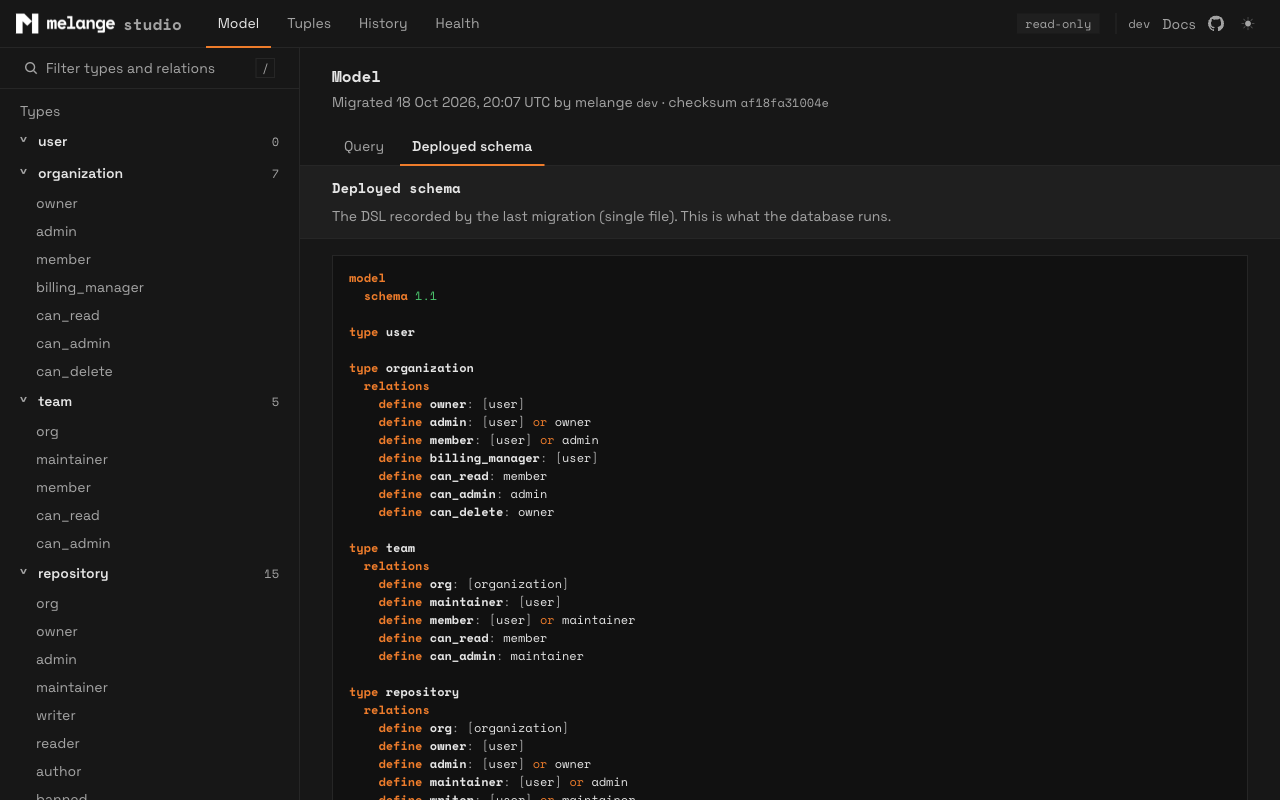
The Model page has two tabs: Query and Deployed schema. The deployed schema tab shows the DSL recorded by the last melange migrate. The sidebar lists every type and relation, with a filter; each relation links to its relation page.
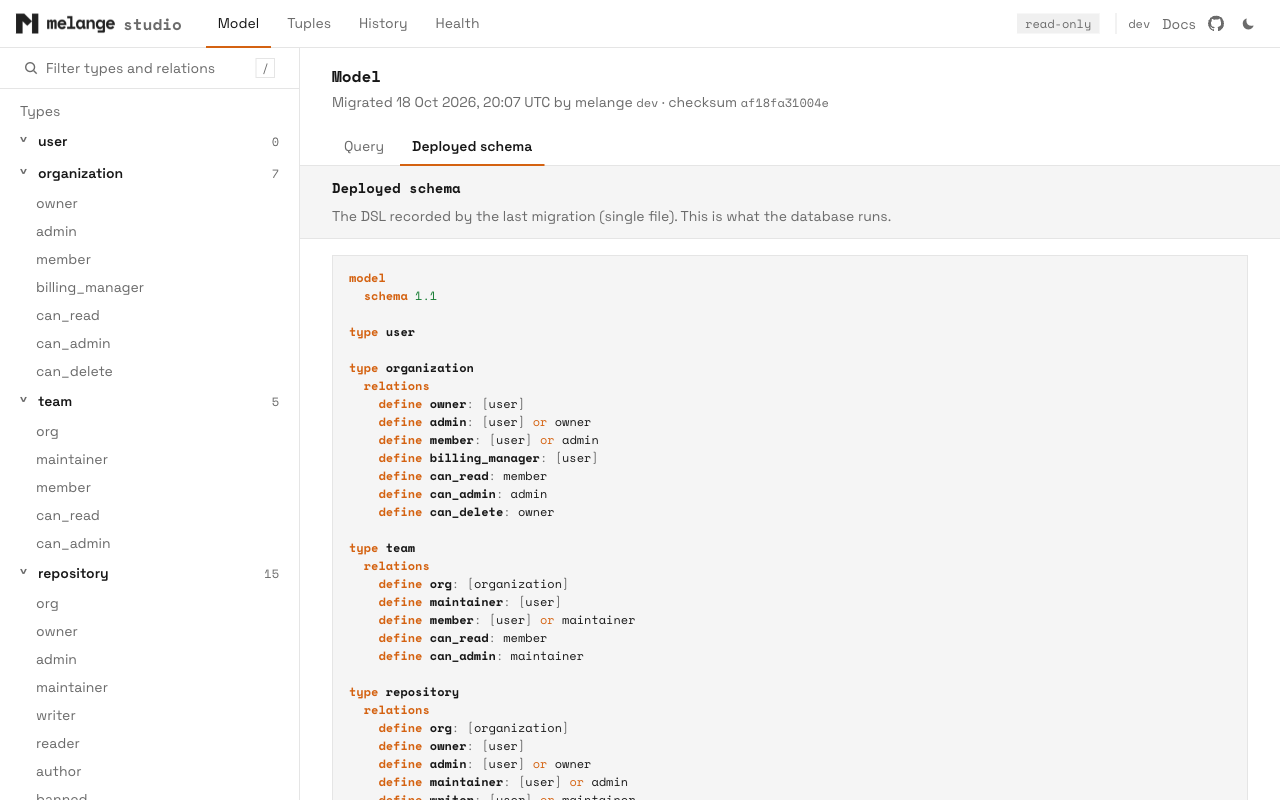
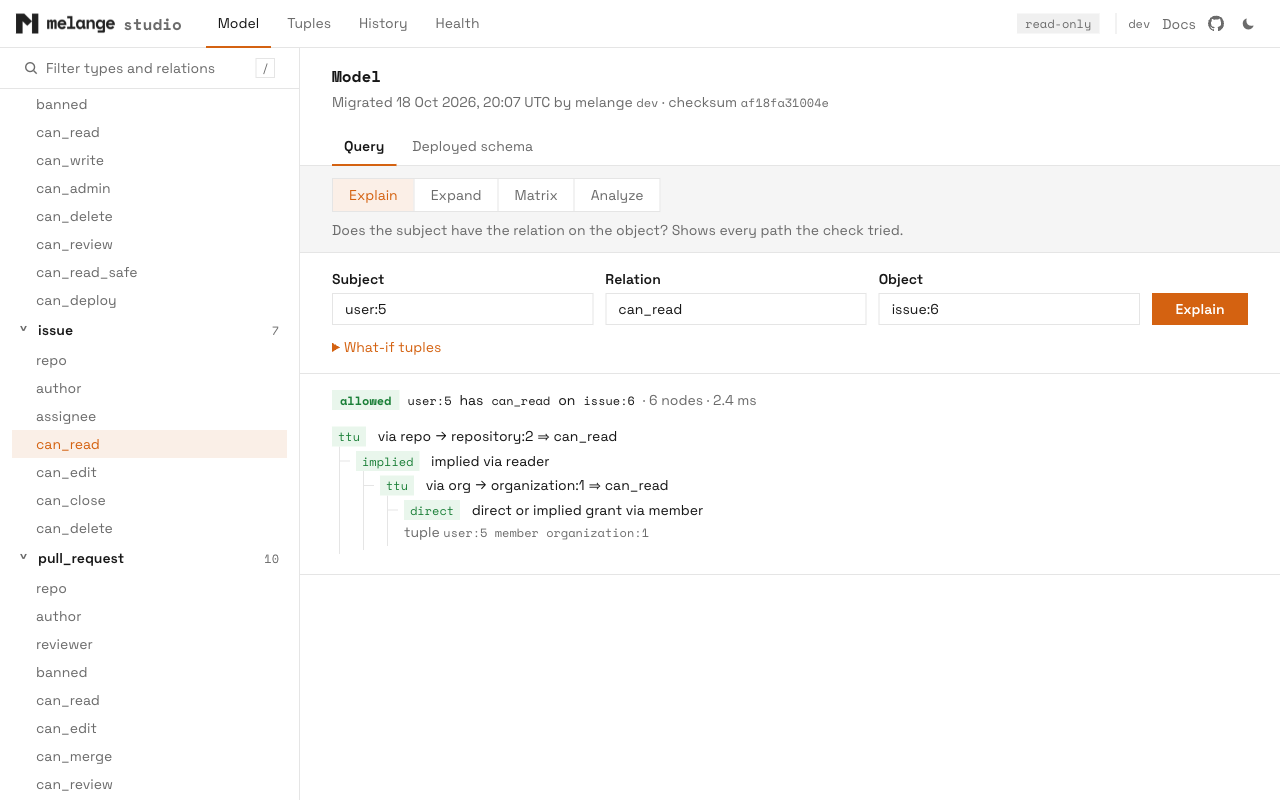
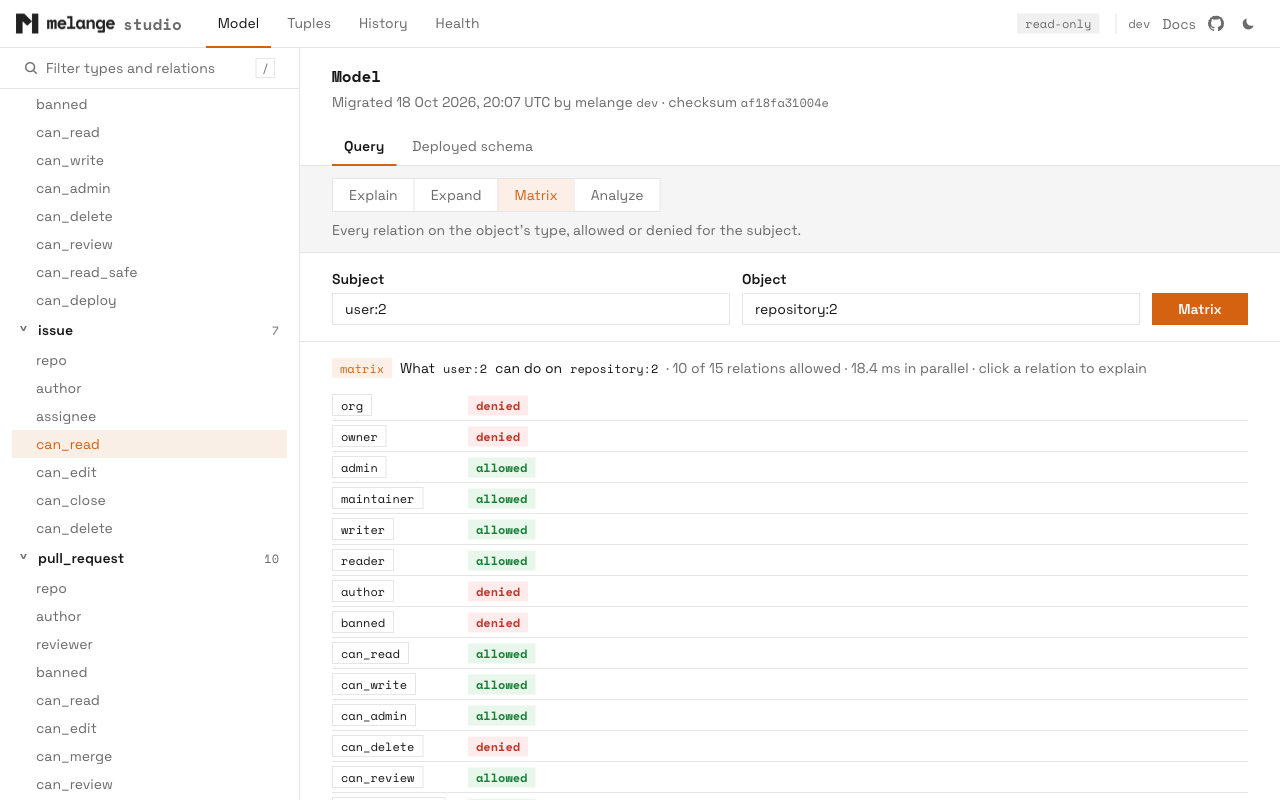
The Query form has four modes:
| Mode | Inputs | Result |
|---|---|---|
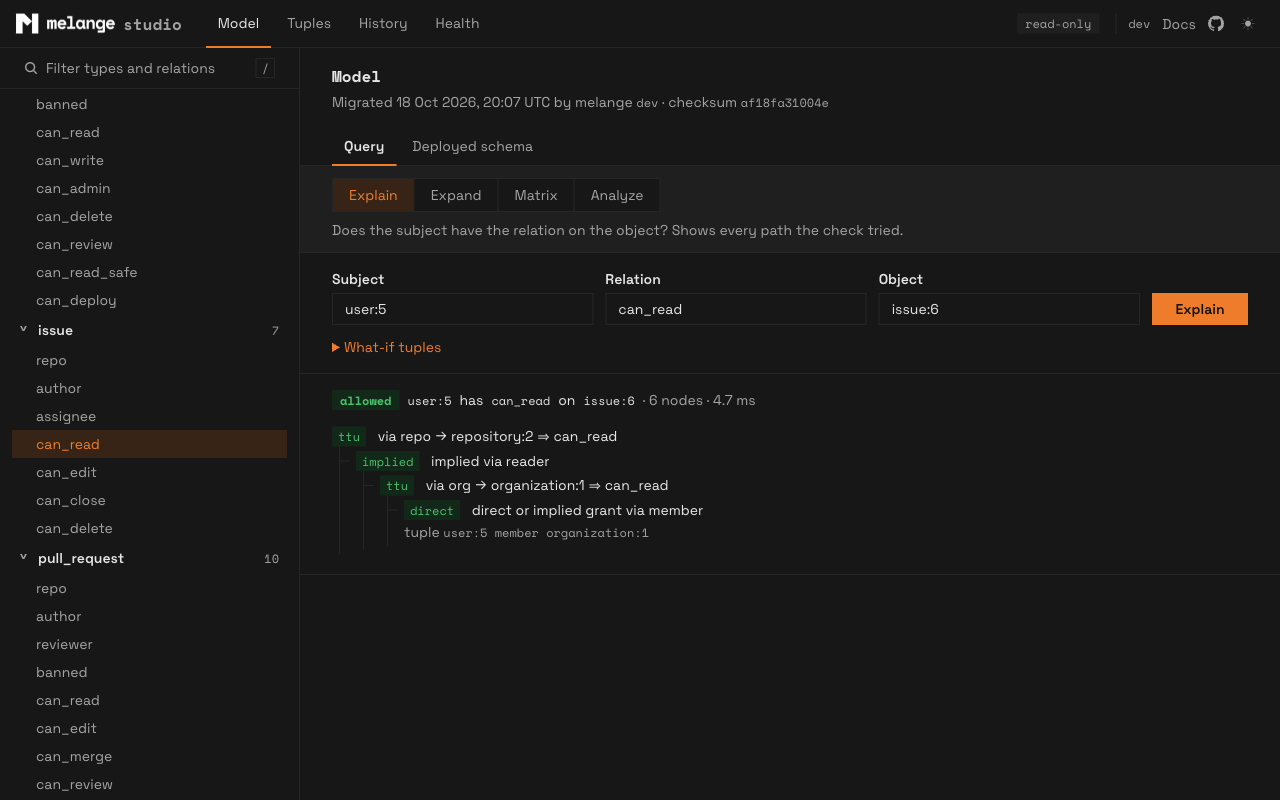
| Explain | subject, relation, object | Allowed or denied, with every path the check tried. See Explaining Decisions |
| Expand | relation, object | Who has the relation on the object, as a tree. Computed and tuple-to-userset pointers can be expanded in place. See Expanding Permissions |
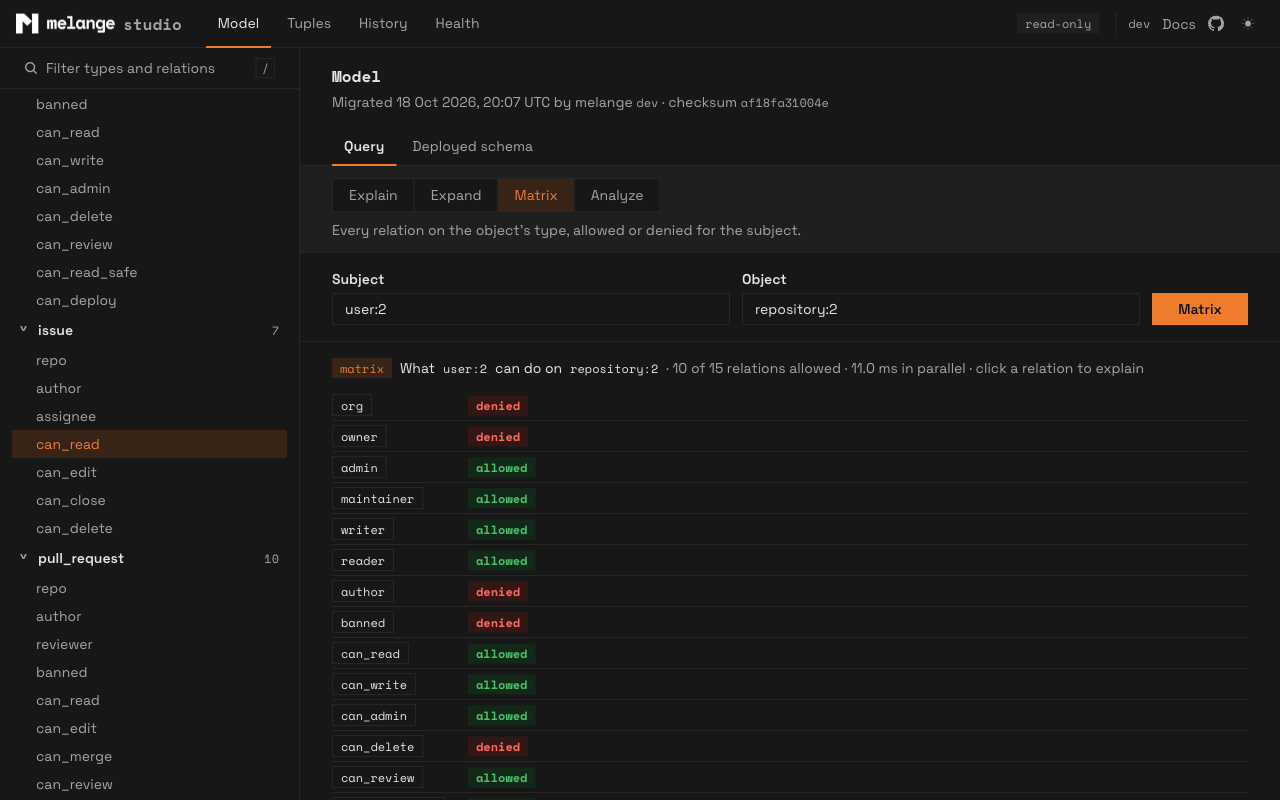
| Matrix | subject, object | Every relation on the object’s type, allowed or denied for the subject. Click a relation to explain it |
| Analyze | subject, relation, object | Runs check_permission under EXPLAIN (ANALYZE, BUFFERS) and shows the plan, timings, and the slowest generated functions |
Subjects and objects use type:id (user:alice, document:1). Each result shows how long the call took.
Matrix checks run in parallel, at most four list or check calls at a time across the whole server, each limited to 10 seconds.
What-If Tuples
In Explain mode, open What-if tuples and enter one subject relation object tuple per line:
user:bob viewer document:1
group:eng#member editor document:1
Studio runs Explain twice, without and with the tuples, and shows both answers. The tuples are added to melange_tuples through a temporary view, the same way contextual tuples work, inside a transaction that is always rolled back. When studio can read the deployed model, each tuple is validated against it first: an unknown relation, or a subject type the relation does not accept directly, is reported by line number.
What-if needs a writable primary and the TEMP privilege on the database. It fails on a hot-standby replica, because a replica refuses read-write transactions. Plain Explain and the other query modes work on a replica.
Analyze
Analyze runs inside a read-only transaction with a 10 second statement_timeout. A check that runs longer is reported as timed out.
The plan of a PL/pgSQL call is a single opaque node, so the per-function breakdown comes from pg_stat_xact_user_functions. That needs track_functions, which only a superuser can set unless it is granted:
GRANT SET ON PARAMETER track_functions TO studio_reader; -- PostgreSQL 15+Without it, Analyze still shows the plan and total timings, with a note that per-function times are unavailable.
Relation Pages
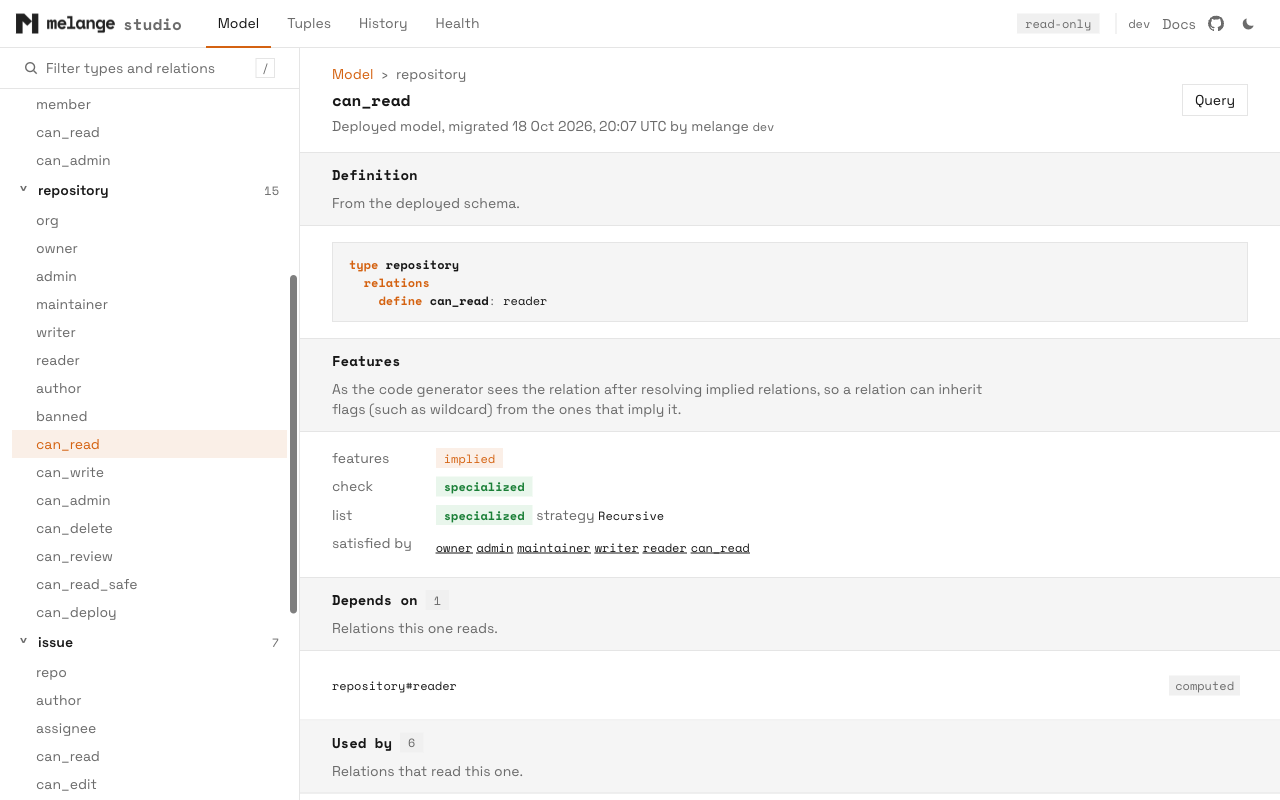
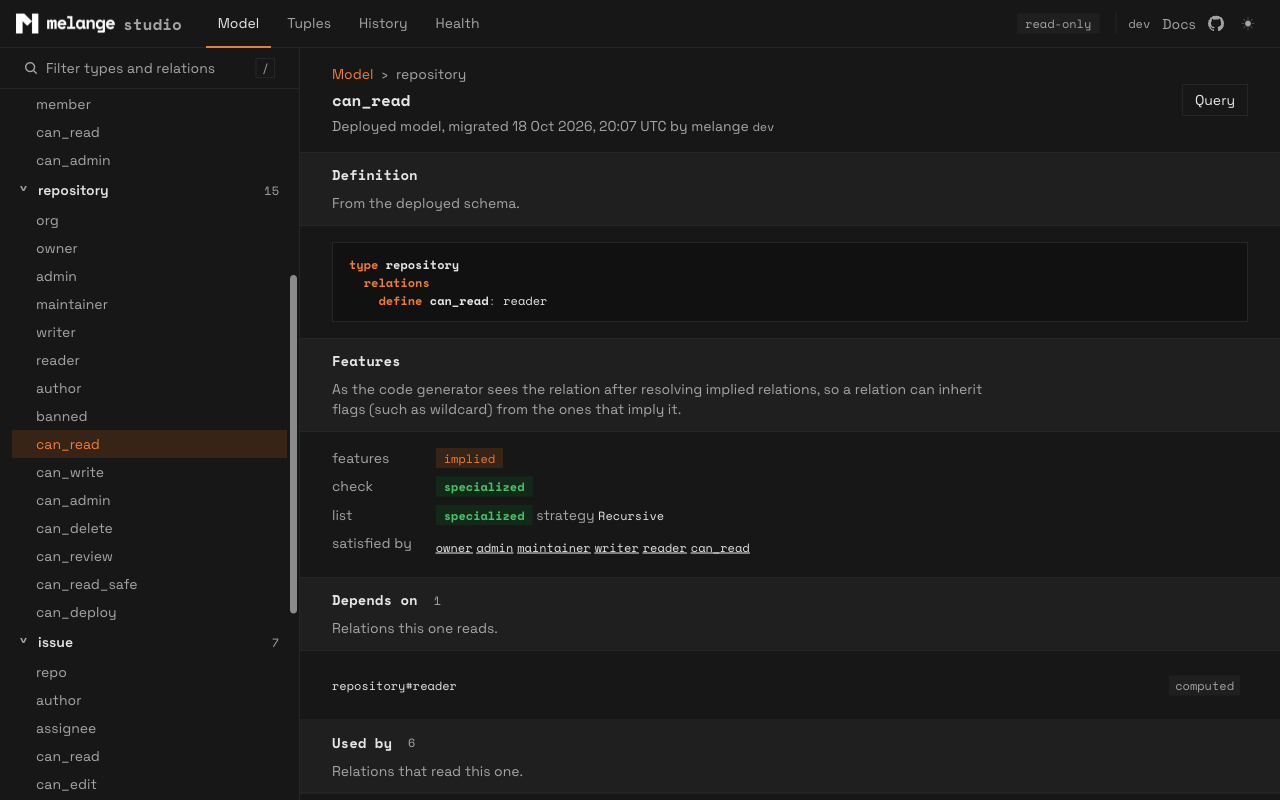
Each relation has a page showing its define line, the relations it reads (Depends on) and the relations that read it (Used by), the code generator’s feature analysis, and the SQL source of its deployed functions (check, list objects, list subjects, explain, expand), read from pg_proc.
Tuples
The Tuples page lists every type that appears in melange_tuples, with the number of distinct ids. The counts take a full pass over the view and are cached for 30 seconds.
Selecting a type lists its entities, 100 at a time; scrolling to the end of the list loads the next page. Search matches a substring of the id or the entity’s label.
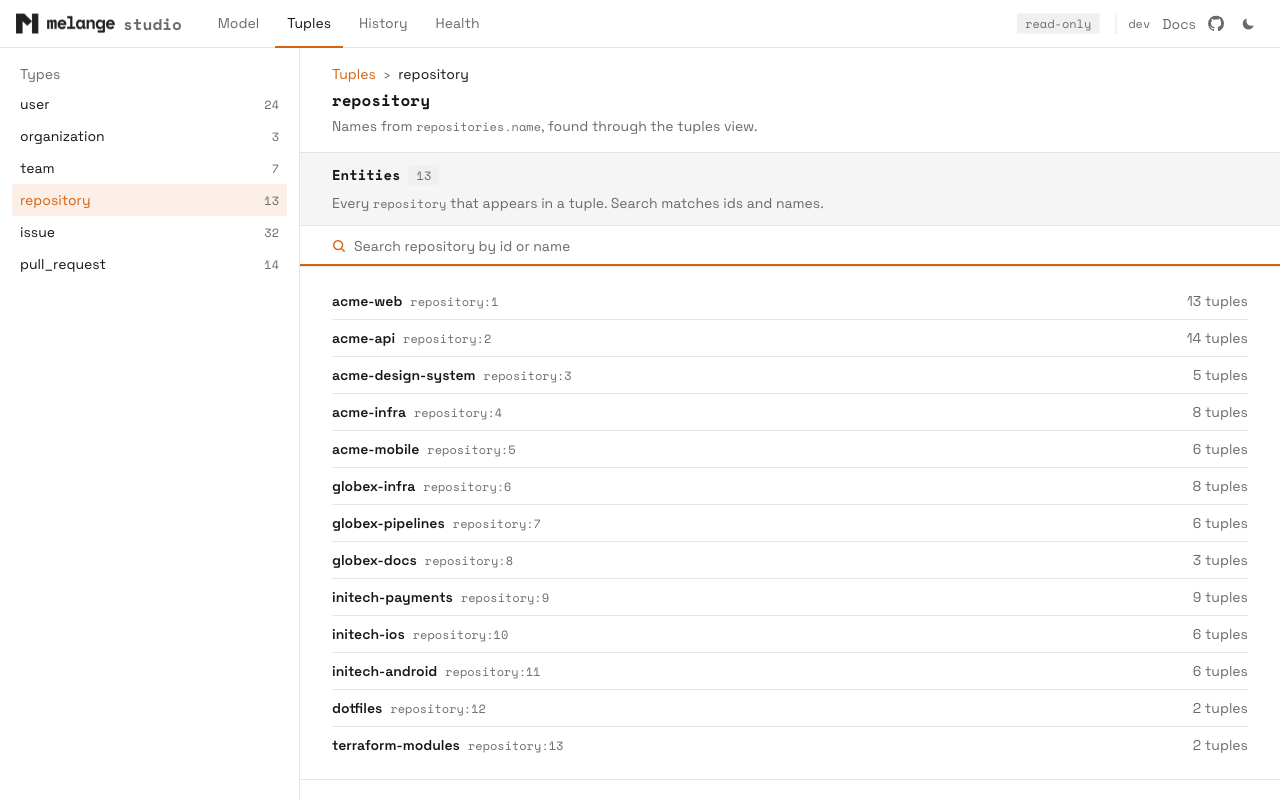
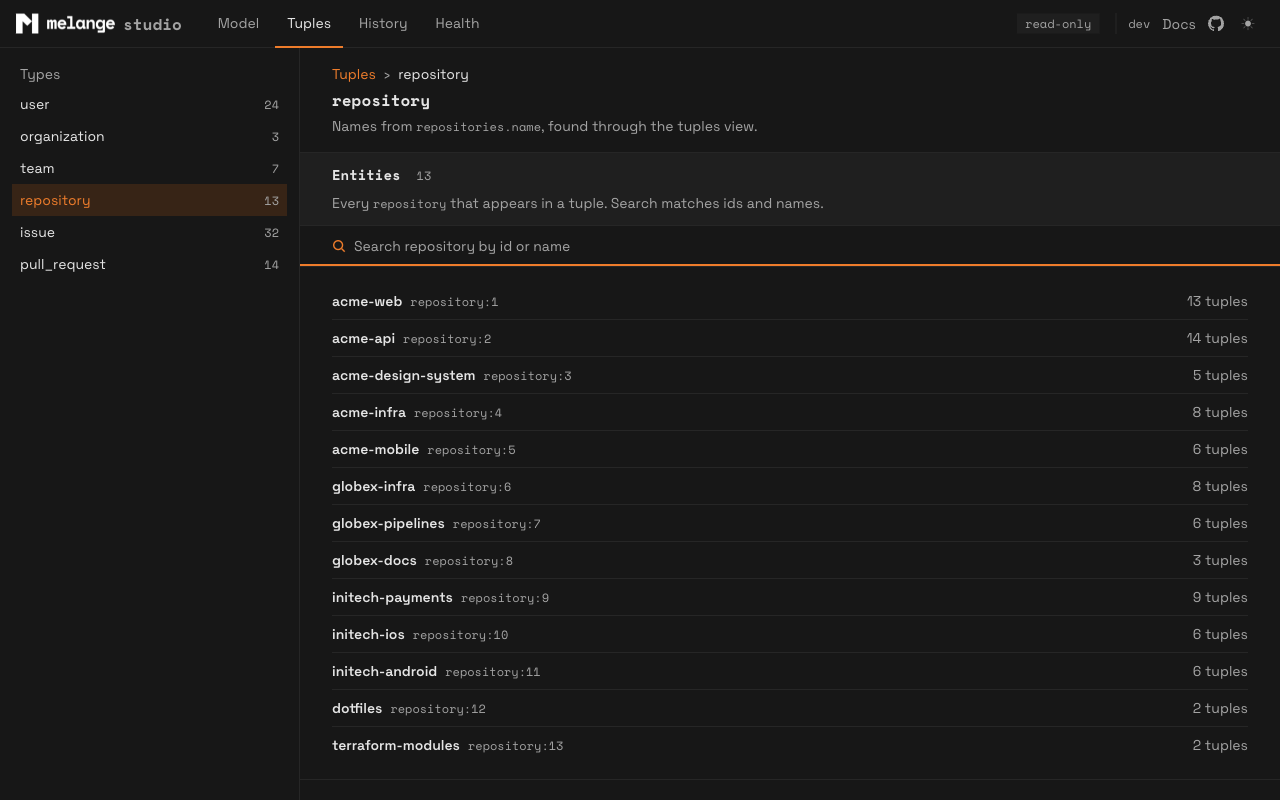
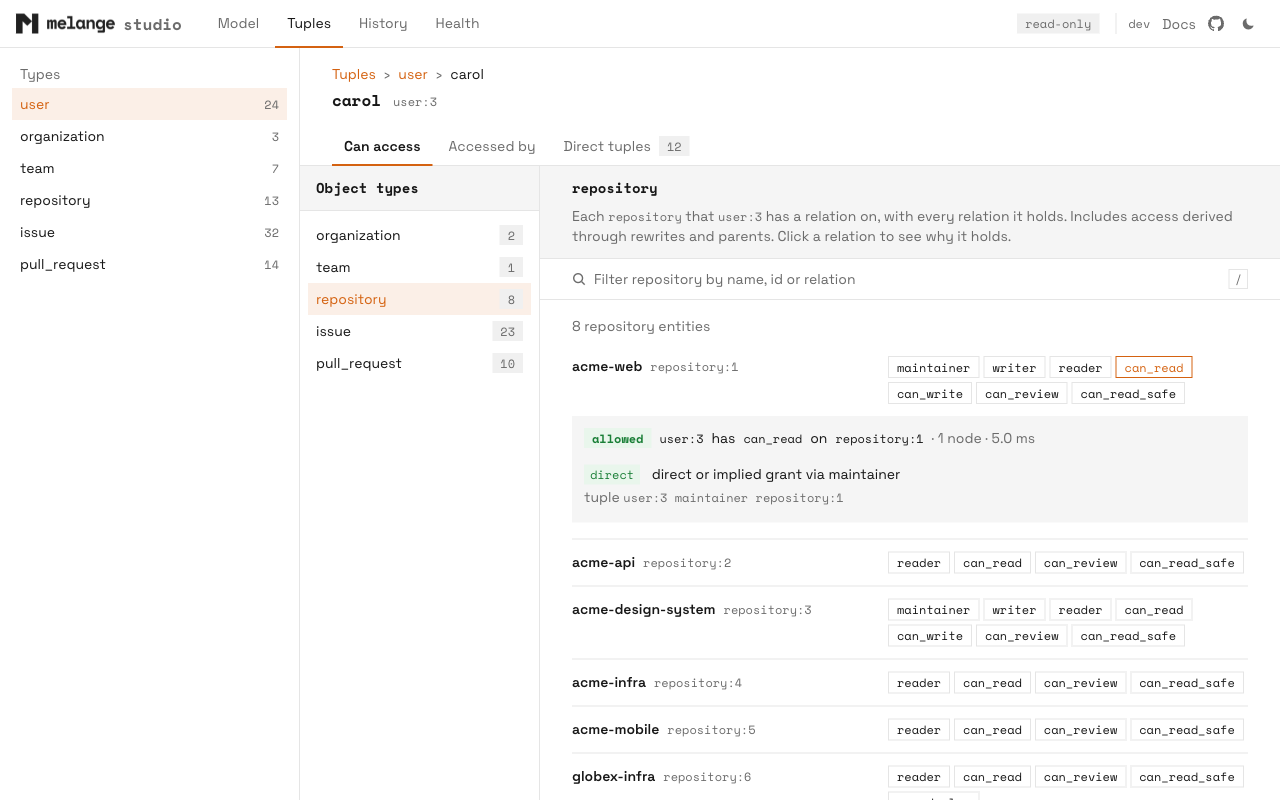
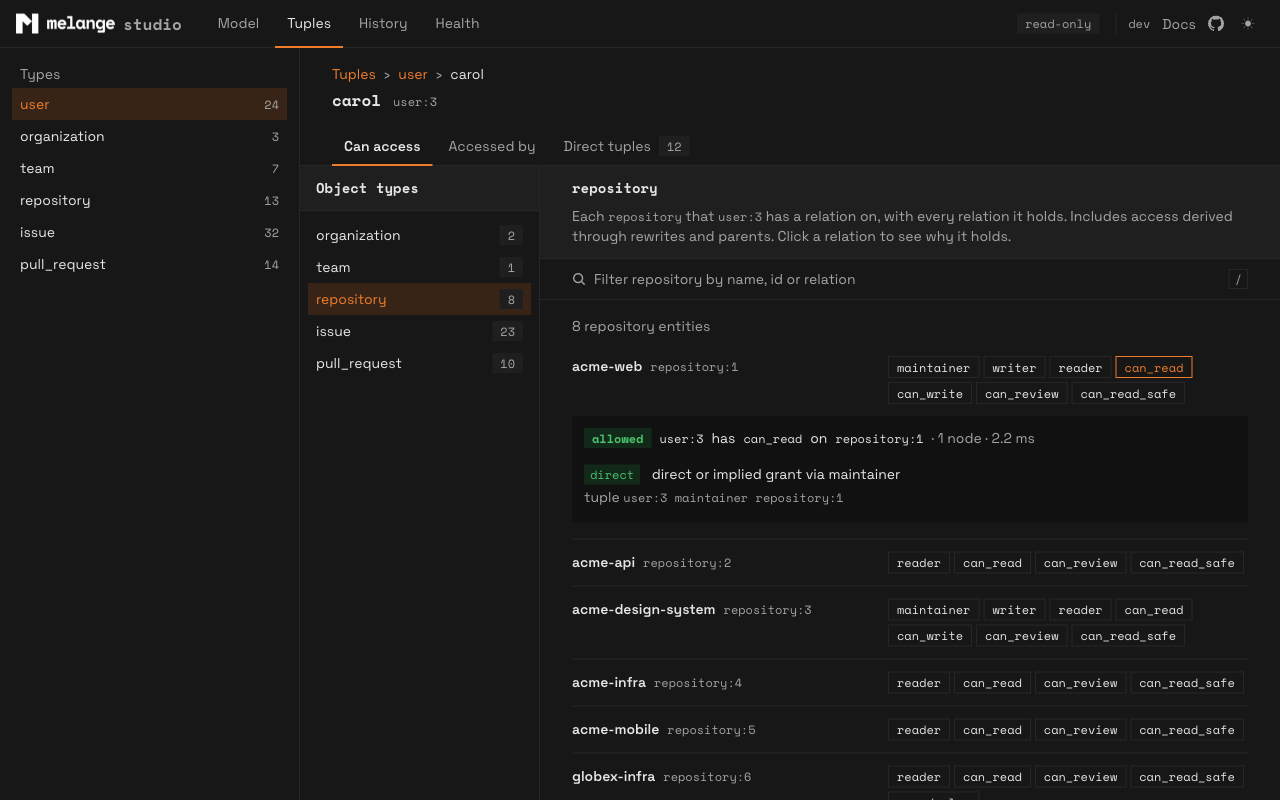
Selecting an entity opens three tabs:
- Can access: what the entity can reach as a subject, one object type at a time, through
ListObjects. - Accessed by: who can reach the entity as an object, one subject type at a time, through
ListSubjects. - Direct tuples: the raw tuples with the entity as subject or as object, with exact counts and a filter.
Access List Limits
Each access tab makes one list call per relation for the selected type. To keep large models usable:
- Each relation’s list stops at 5,000 ids. When any relation hits the cap, the count gets a
+suffix (for example5,000+) and the list notes that there may be more. - A computed list is cached for 60 seconds and served 100 rows at a time as you scroll. The filter on these tabs runs over the cached list.
- At most four list calls run at once across the server, each limited to 10 seconds. A relation that times out shows an error in place of its rows.
- The count badges in the type navigation compute one at a time.
These are display limits, not limits of ListObjects or ListSubjects. Use the Go API or the SQL functions for complete lists.
Labels
Where it can, studio shows a readable name next to each id. It finds the name by planning melange_tuples with EXPLAIN VERBOSE: a view branch that maps a literal type to a plain column (for example 'user' and team_members.user_id) is followed through primary and foreign keys to the domain table (users.id). The first of these columns that the table has becomes the label: name, display_name, title, label, username, email, slug.
If the view does not reveal a table, studio falls back to a table named after the type, or its plural (user or users), with an id column. The page header says where the labels came from, or that none were found. Discovery runs once per process; restart studio after schema changes.
Labels need SELECT on the domain tables. Without it, entities show by id.
History
The History page shows the last 50 rows of melange_migrations, newest first: when each migration ran, the melange and codegen versions, the schema checksum, and how many functions it installed. This is the same data as melange history.
Health
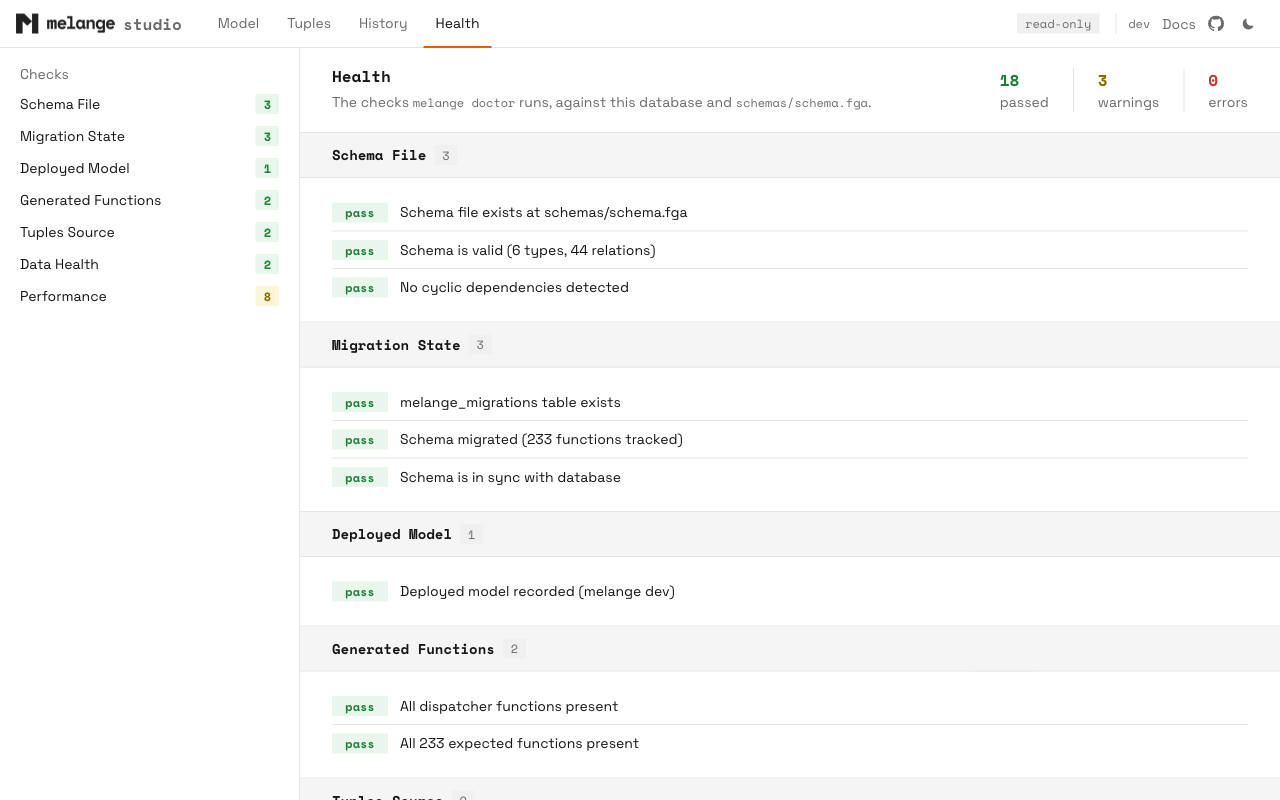
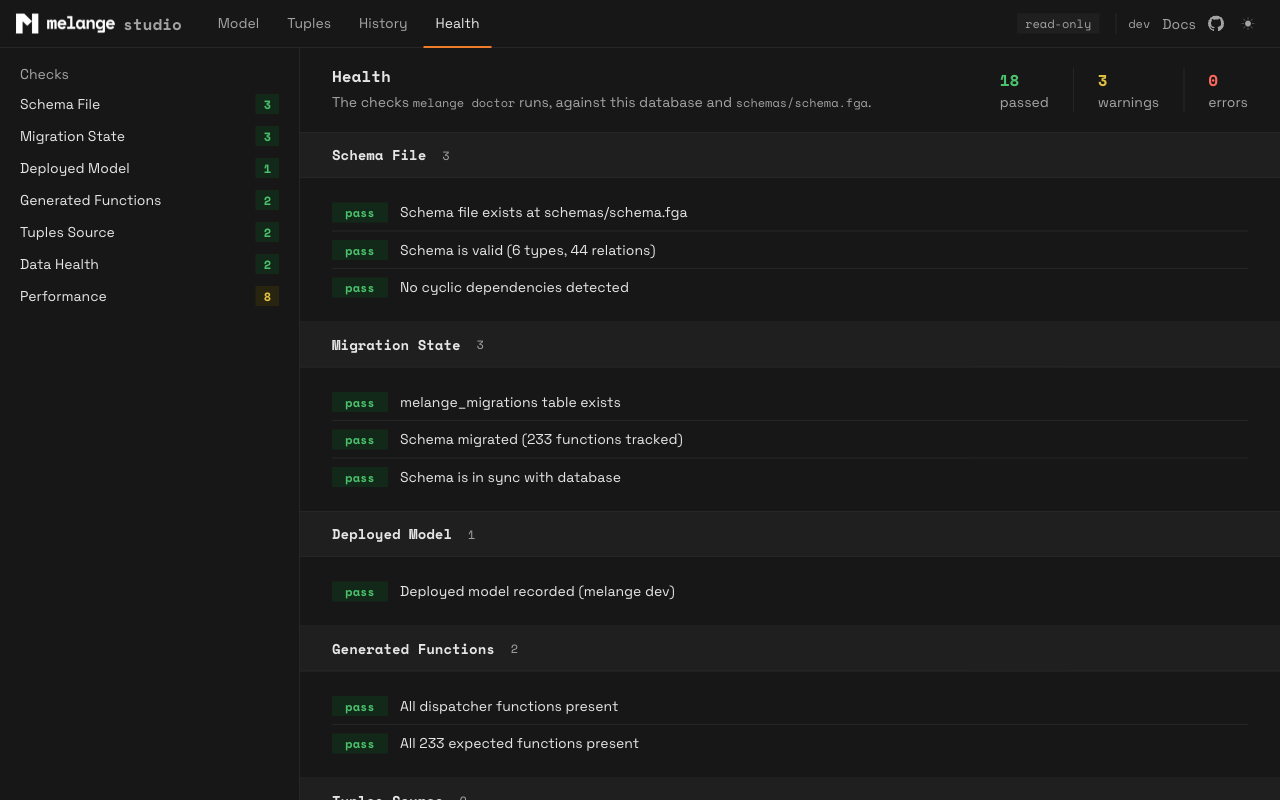
The Health page runs the same checks as melange doctor, grouped by category. The checks that compare a local schema file with the database use --schema, else schema in config, else schemas/schema.fga. If no file exists at that path, the Schema File check fails.
Database Privileges
Studio only reads, so it can run as a dedicated low-privilege role. The minimum, for melange objects in the public schema:
CREATE ROLE studio_reader LOGIN PASSWORD '...';
GRANT USAGE ON SCHEMA public TO studio_reader;
GRANT SELECT ON public.melange_tuples, public.melange_migrations TO studio_reader;
This covers the Model page, Explain, Expand, Matrix, Analyze without the per-function breakdown, the Tuples browser without labels, History, and Health. It relies on PostgreSQL defaults that most databases keep:
EXECUTEon the generated functions is granted toPUBLICwhen a function is created. If you revoked it, grantEXECUTEon the functions in the melange schema.- The system catalogs (
pg_proc,pg_class,pg_constraint,information_schema) are readable by every role. Relation pages, labels, and Health read them. TEMPon the database is granted toPUBLIC. What-if needs it.
Optional grants:
| Feature | Grant |
|---|---|
| Labels in the Tuples browser | SELECT on the domain tables (or just their key and label columns) |
| What-if tuples | TEMP on the database, if revoked from PUBLIC |
| Per-function times in Analyze | GRANT SET ON PARAMETER track_functions (PostgreSQL 15+), or superuser |
Without SELECT on melange_migrations, studio cannot read the deployed model, so the schema view, Matrix, relation analysis, History, Health, and the access tabs are unavailable, and what-if tuples are not validated; Explain, Expand, and Analyze still work.
Replicas
Studio works against a hot-standby replica, with one exception: what-if tuples need a read-write transaction to create the temporary view, which a replica refuses. Point studio at the primary to use what-if. Everything studio runs on the primary outside what-if is read-only.
Security
- Studio binds a loopback address only, and rejects requests whose
Hostheader is notlocalhostor a loopback IP. This blocks DNS-rebinding attacks, where a hostile page resolves its own domain to127.0.0.1. - There is no authentication. Anyone who can reach the loopback port on your machine can use the console with studio’s database role.
- Pages are served with a strict Content Security Policy (
default-src 'self', no inline scripts oreval),X-Content-Type-Options: nosniff,Referrer-Policy: no-referrer, andCache-Control: no-store, so authorization data is not kept in the browser cache. - Scripts, styles, and fonts are embedded in the binary. Pages load nothing from other hosts.
Update Check
The only network request studio makes outside your database is the CLI’s usual update check, made by the CLI process, not the browser. When a newer release exists, the top bar shows a vX.Y.Z available badge. Disable it with --no-update-check; it is also off when the CI environment variable is set.
The top bar also links to the melange documentation and GitHub repository. Those are ordinary links and are only fetched if you click them.
See Also
- CLI reference:
melange studioflags - Explaining Decisions: the trace behind the Explain mode
- Expanding Permissions: the tree behind the Expand mode
- Troubleshooting:
melange doctorand common errors